


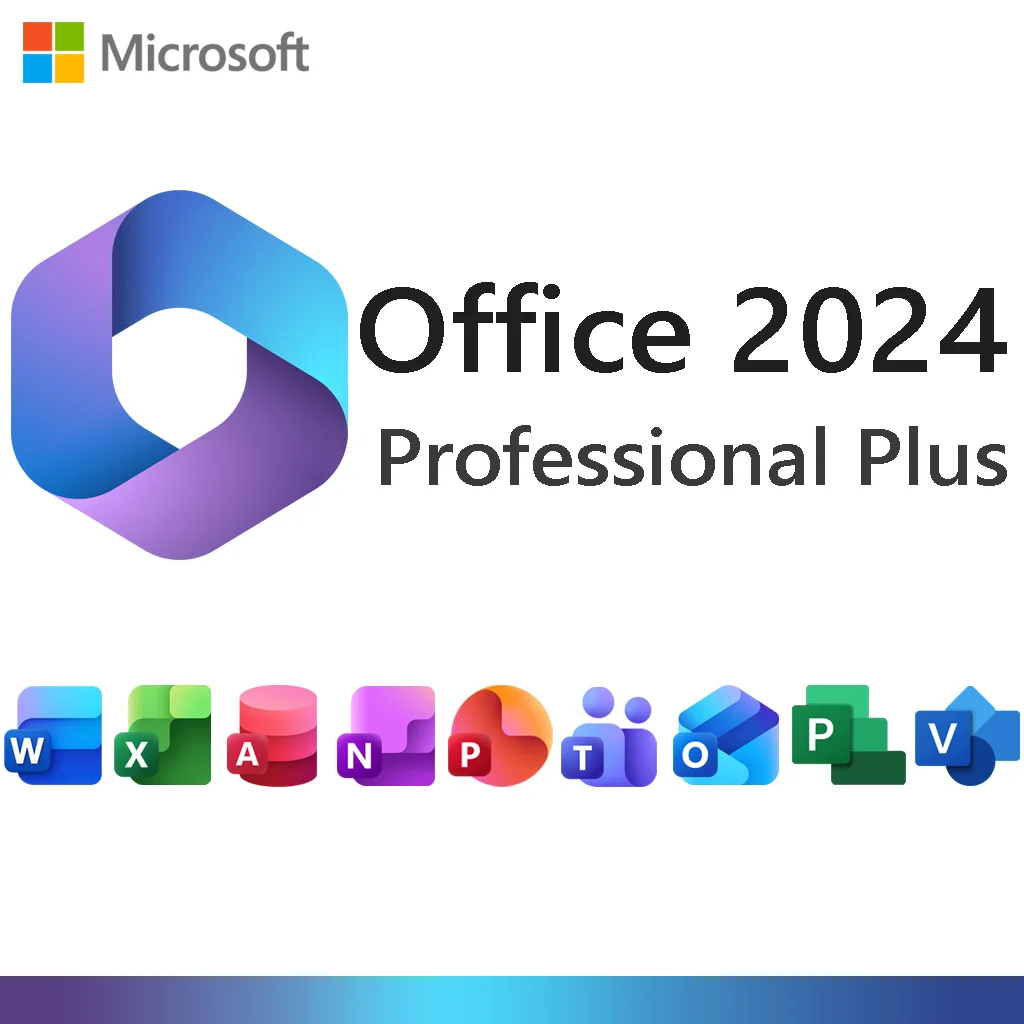

Microsoft Office 2024 Professional Plus
A one-time purchase of the full desktop Office suite. Pay once, install on one Windows PC, and keep the licence — no monthly subscription.
Buy Office 2024 Professional Plus — Standalone Licence
The Professional Plus edition includes every core Office app plus Access, for people who want the classic desktop apps without a Microsoft 365 subscription. Your Office 2024 licence key is emailed after checkout with a step-by-step activation guide.
One-time purchase
1 Windows PC (10 / 11)
Instant email delivery
Office 2024 vs Office 2021: What’s New
If you’re deciding between the two perpetual releases, these are the practical differences:
| Capability | Office 2021 | Office 2024 |
|---|---|---|
| Microsoft support ends | October 2026 | October 2029 |
| Excel GROUPBY & PIVOTBY functions | Not available | Included |
| PowerPoint Cameo (live camera in slides) | Not available | Included |
| Refreshed Windows 11-style visual design | Older look | Updated interface |
| Default file format & performance improvements | Baseline | Improved |
Applications Included

Word 2024
Write and format documents with modern comments, improved autosave, and faster performance on large files.

Excel 2024
Analyse data with dynamic arrays, the new GROUPBY and PIVOTBY functions, and updated charts.

PowerPoint 2024
Build presentations with the Cameo live camera feed, smoother transitions, and refreshed templates.

Outlook 2024
Manage email, calendars, contacts and tasks in the classic desktop Outlook client.

OneNote 2024
Capture notes, meeting records and project plans in a free-form notebook.

Access 2024
Create desktop databases, forms and queries for inventory, tracking and reporting.


Cloud & collaboration: Word, Excel and PowerPoint 2024 let you save files to OneDrive and co-author in real time, and you can run the free Microsoft Teams app alongside the suite. OneDrive storage and Teams are free Microsoft services with their own sign-in — they are not part of this licence.
Add Project & Visio 2024
Not part of Office 2024 Professional Plus — buy them separately or as a bundle.

Microsoft Project 2024 Professional
Sold separately
Build project timelines, manage resources, track budgets and evaluate delivery pipelines.

Microsoft Visio 2024 Professional
Sold separately
Turn data into professional diagrams — flowcharts, network maps, org charts and floor plans.
Or save with the Office 2024 Pro Plus + Visio + Project bundle.
How to Activate
Receive your key
Your 25-character Office 2024 licence key and activation guide are emailed within minutes of payment.
Install Office
Download the official Office 2024 installer using the link in your email and complete setup.
Enter the key
Open any Office app, enter your key when prompted, and activation completes. Support is available if you hit an error.
System Requirements
- OS: Windows 10 or Windows 11 (64-bit).
- Not compatible with: Windows 7 / 8 / 8.1, macOS, ChromeOS, Android or iOS.
- Processor: 1.6 GHz, dual-core or better.
- RAM: 4 GB. Disk: 4 GB free space.
- Internet: required for download and one-time activation; Office runs offline afterward.
Frequently Asked Questions
Is this a subscription?
No. Office 2024 Professional Plus is a one-time purchase for one PC. There is no monthly or annual fee.
Does it include Project or Visio?
No. Project and Visio are separate products. See the “Add Project & Visio 2024” section above to buy them individually or as a bundle.
Does it include Publisher?
No. Microsoft has discontinued Publisher, so it is not part of Office 2024. Word and PowerPoint cover most layout tasks.
Does it work on Mac?
This edition is Windows-only. See our Office 2024 for Mac listing if you need macOS.
What if my key doesn’t activate?
Contact our support team and we’ll troubleshoot, replace the key, or refund you under our refund policy.


Reviews
There are no reviews yet.